How Rikipedia Works
The process of making this website has gotten more and more complex over the past few months, and it may or may not continue to do so. I will put updates here instead of the old article, which will be deleted soon. For now, please read this.
Rikipedia is made of several key components that will be mentioned in this article. I am not recommending or endorsing any. Just my experience.
PowerShell
First, I create a new file with PowerShell. In case you don't know, PowerShell is Microsoft's command line application that has ultimate control over Windows machines. For instance, if used incorrectly, PowerShell can instantly trigger a BSOD (blue screen of death). The command to make a new file would be new-item [path]. This command creates a new file in the path given. If you are a beginner, try your best to avoid PowerShell as it is for advanced users.

Notepad
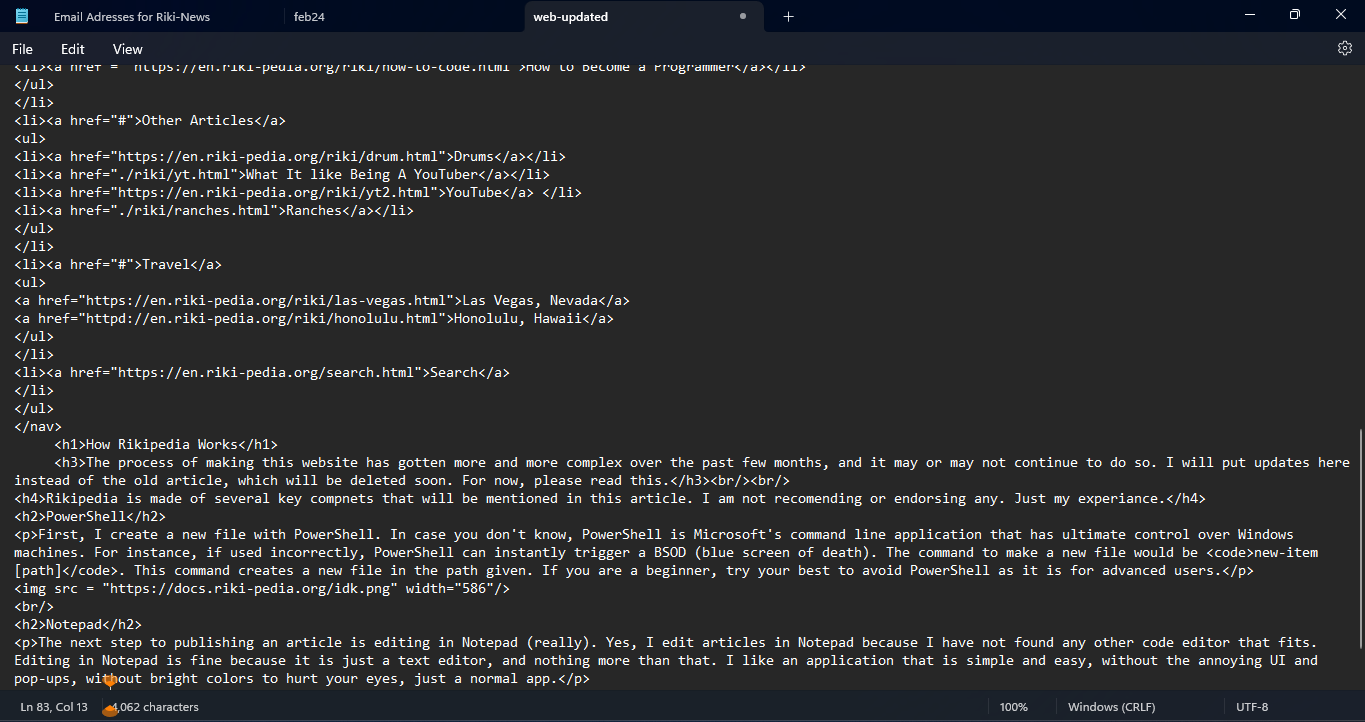
The next step to publishing an article is editing in Notepad (really). Yes, I edit articles in Notepad because I have not found any other code editor that fits. Editing in Notepad is fine because it is just a text editor, and nothing more than that. I like an application that is simple and easy, without the annoying UI and pop-ups, without bright colors to hurt your eyes, just a normal app.
Git
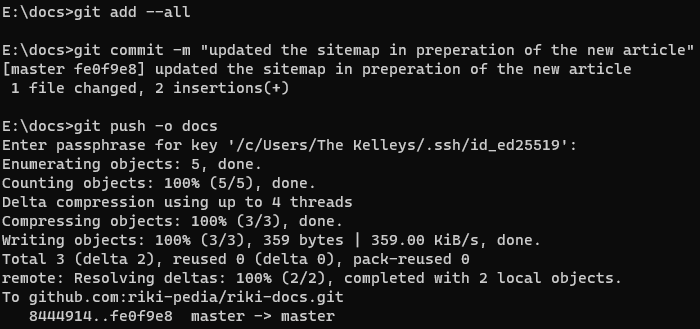
Git is probably one of the most complex things involved in Rikipedia. In case you do not know, Git is a command-line interface tool that allows you to update remotely strategically with remote and local files. Git is used by over 90% of developers across the globe. I use Git to get and update content on my github server (aka Rikipedia). Git is kind of annoying to set up because you have to verify your credentials or use SSH (secure shell) to get anything on a server. However, I managed to do so and now use Git a ton.
GitHub (not Git)
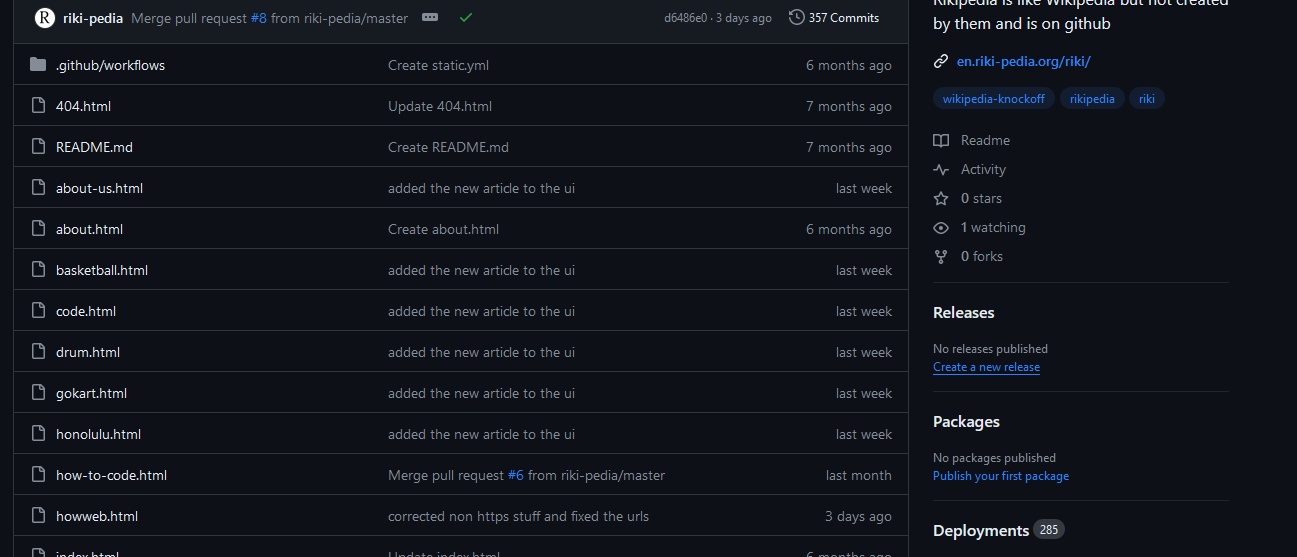
GitHub, not to be confused with Git, is the main host of Rikipedia. GitHub is a free code-sharing platform used by 100 million developers across the globe. I use Github as the base of Rikipedia and other things within it. Github is pretty easy to use and set up. When using Git to interact with Github, I usually use the SSH key hosted on Github. The SSH key allows me to use more advanced commands to interact with GitHub and Git. The key also means only those with my key can use Git with my page. GitHub is used by developers of all skill levels, including ones you may not expect.
Google/SquareSpace(?)
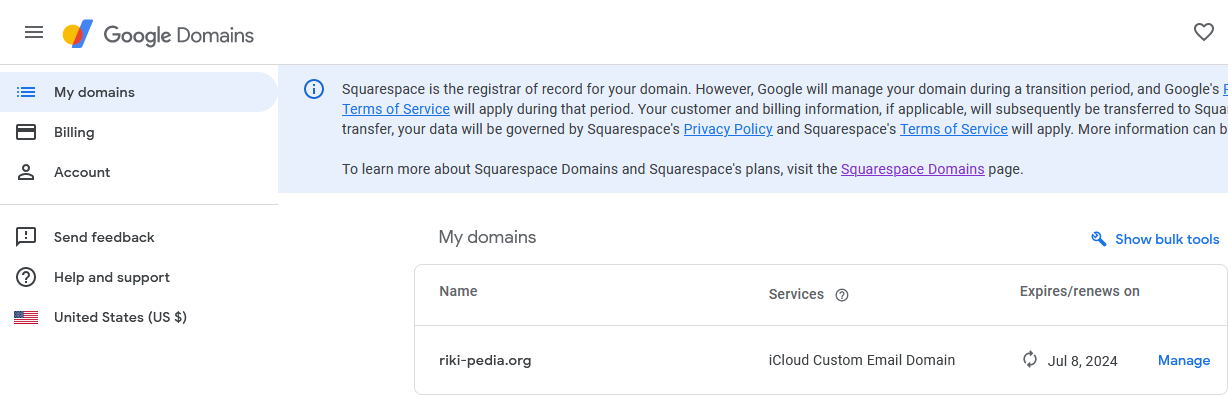
I have the domain name riki-pedia.org through Google Domains, which is getting bought out by Squarespace. I have custom emails and advanced management all on Google Domains. As a few of you may know, my site is on Google Search, and it does pretty well on there. Across all of Google's services, I have search, analytics, and domain management (and maybe hosting soon). I have considered moving Rikipedia to Google Firebase on account of knowing more and more coding languages. But, Google only has a little bit of control over riki-pedia.org compared to the next service...
Cloudflare
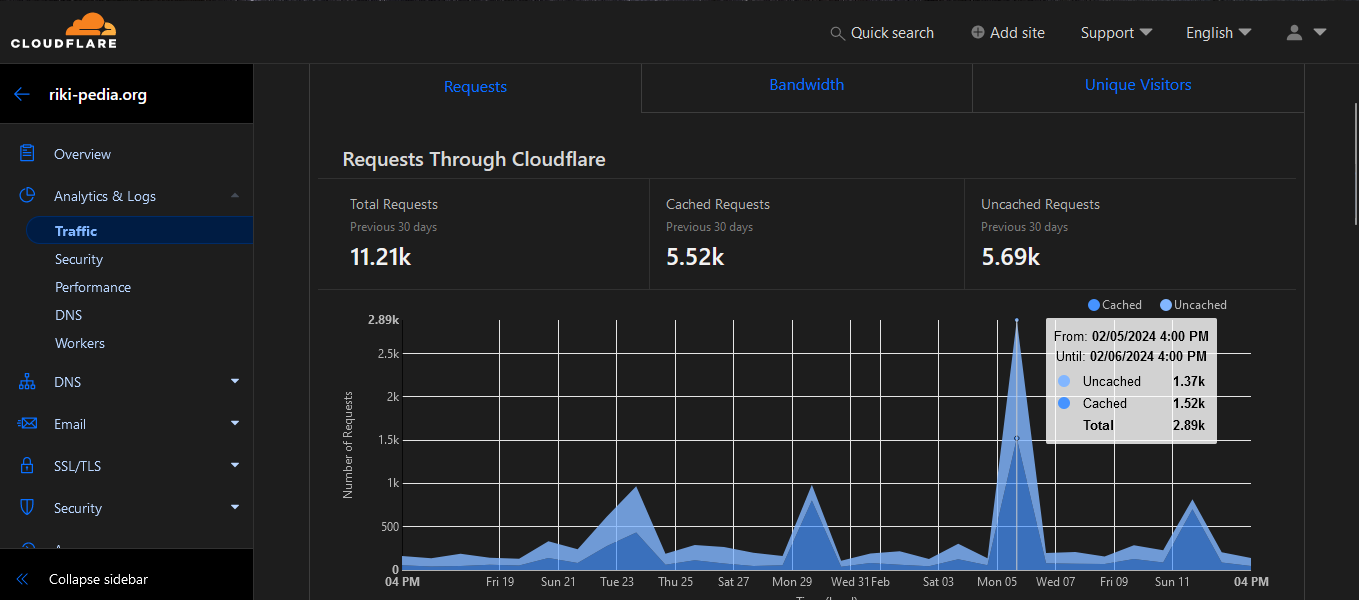
...Cloudflare. Cloudflare is a website security and delivery network. Cloudflare blocks bad requests, caches my content, and has a user-friendly UI. It is easy to use the app and have full control over what can access your website. During the writing of this article, I used Cloudflare's easy UI to block this annoying crawler that kept trying to get into my website. Cloudflare has top security and has most of my DNS records going through the servers. Cloudflare also helps get me useful analytics and allows me to have full control over what happens. My website would likely be controlled by a hacker right now if it were not for Cloudflare.